























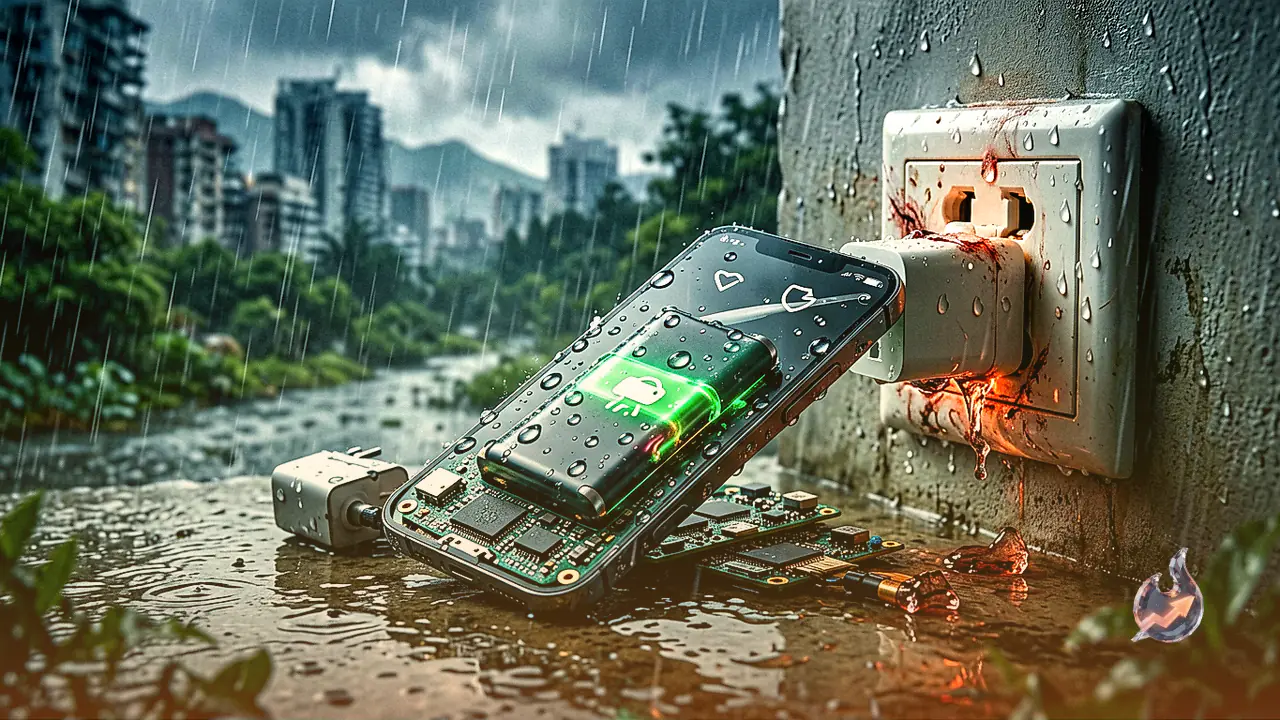

Charging a smartphone during the monsoon season requires extra caution, as even minor negligence can result in severe hardware damage and expensive repair bills. High humidity and rainwater can easily seep into a handset's charging port, the charging cable, and electrical wall sockets. Plugging a device into power under these damp conditions drastically elevates the risk of short-circuits, which can permanently ruin the motherboard, degrade the battery, or burn out the charging port.
Moisture Risks and Why Wet Charging Is Dangerous
When moisture enters electronic components, connecting them to a power source creates an immediate electrical bridge where it should not exist. This unwanted current flow causes internal short-circuiting that directly affects the phone's motherboard, charging port, and internal battery. Attempting to power up a wet or humid device can lead to irreversible component failure, forcing users to spend thousands of rupees on repairs or total replacement. Preventing water exposure at every stage of the charging setup is essential throughout the rainy season.
Inspecting and Cleaning the Charging Port and Handset
Before plugging the charging cable into the device, always perform a close inspection of the charging port. If any visible moisture or liquid droplets are detected inside or around the port, refrain from charging immediately. Take a clean, dry cloth or a soft tissue paper to thoroughly wipe down the external surface of the handset. After cleaning, place the phone in a dry, well-ventilated location and allow it to air-dry completely. Only attempt to recharge the battery once you are entirely certain that all internal and external moisture has evaporated.
Checking the USB Cable, Adapter, and Power Sockets
It is equally critical to inspect the charging accessories and the main power outlet before connecting your phone. Humidity can settle inside the USB cable connector pin, the charging adapter, or the wall socket itself. If the charging adapter or cable appears damp, allow them to dry thoroughly in a safe area before plugging them into the mains. Furthermore, carefully observe the condition of the electrical switchboard. If an outlet shows signs of dampness, moisture accumulation, or physical defect, refrain from using it altogether to avoid electrical short-circuits.
Preventing Shock Hazards and Safely Storing Chargers
Leaving a charging adapter plugged into an active electric socket when not in use is particularly unsafe during the monsoon. Unattended live cables and exposed connector pins create severe safety hazards, especially in households with young children who might touch or handle them. To ensure complete safety, plug the adapter into the wall socket only when actively charging the device, and promptly unplug and store it in a dry place once charging is complete. Ensuring that all four key elements, including the phone, charging port, charger, and electric board, are completely dry is the most effective way to prevent costly damage and eliminate electric shock risks.








