















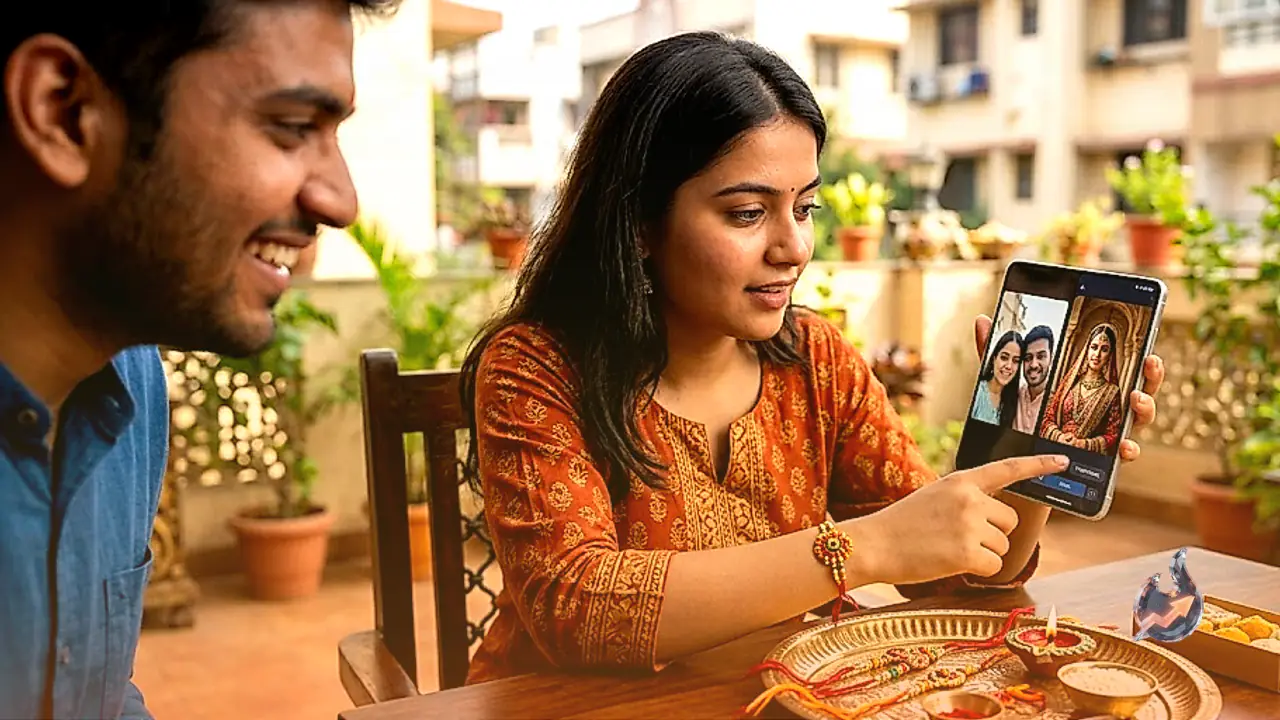

During the joyous festival of Raksha Bandhan, everyone wishes to capture beautiful and memorable moments with their siblings. However, packed festive schedules, lack of time, or non-availability of a professional photography studio often prevent people from getting an elaborate photoshoot done. Artificial Intelligence photo editing tools now offer a creative and convenient solution to this challenge. Modern AI image generators allow users to turn everyday mobile selfies into grand, festive, and royal digital portraits. Crucially, these tools can modify outfits, backdrops, lighting, and festive decorations while keeping facial features and natural expressions intact.
If you have an old Raksha Bandhan picture or a simple smartphone selfie, uploading it into an AI image generator along with precise text prompts can yield a variety of artistic and traditional looks. Writing a clear and detailed prompt is key to guiding the AI engine accurately.
Crafting Prompts for a Royal Festive Look
To give a casual selfie a majestic makeover reminiscent of a royal Indian heritage palace, upload the photo and use the following prompt
“Transform this photo into a royal Indian Raksha Bandhan photoshoot. Keep the faces, facial features and expressions natural and unchanged. Dress the siblings in elegant traditional Indian outfits, add subtle ethnic jewellery, warm golden lighting, a luxurious heritage palace background, festive Rakhi decorations and a sophisticated cinematic look. Make the image realistic, detailed and premium, without changing the identity of the people.”
This prompt explicitly instructs the AI engine to maintain the original facial features and expressions without distortion. Simultaneously, it enhances the portrait with a opulent heritage palace backdrop, warm golden illumination, traditional Indian attire, and refined ethnic jewelry to produce a cinematic quality image.
Creating an Authentic Traditional Home Portrait
For those who prefer a cozy, authentic home atmosphere over an opulent palace setting, a traditional prompt offers a warm alternative
“Create a realistic traditional Raksha Bandhan portrait from this photo. Keep the original faces and identity exactly the same. Give the sister an elegant saree with traditional jewellery and the brother a sophisticated kurta. Add a beautiful festive Indian home background, Rakhi thali, flowers, diyas and soft natural lighting. Keep the overall look warm, authentic and elegant.”
This instruction creates a realistic domestic environment. The sister is styled in an elegant saree paired with classic jewelry, while the brother wears a refined kurta. Decorative elements like a Rakhi thali, glowing diyas, fresh flowers, and soft natural indoor lighting make the photograph feel genuinely authentic.
Capturing Natural Candid Sibling Moments
Unscripted and spontaneous pictures often convey emotions better than posed studio photographs. To capture genuine sibling bonding and natural smiles, apply this prompt
“Turn this image into a natural candid Raksha Bandhan moment between siblings. Preserve their exact facial identity, skin texture and expressions. Add elegant Indian ethnic outfits, subtle festive decorations, warm daylight and a beautiful traditional home setting. Capture a genuine sibling bond with natural smiles and realistic photography.”
By emphasizing skin texture retention and natural daylight, this prompt prevents the image from looking overly retouched or synthetic. It preserves the authentic facial identity while capturing warm, unscripted expressions.
Key Guidelines and Safety Precautions for AI Editing
While using AI tools for festive photo transformations, following a few essential precautions ensures realistic and secure results
- Preserve Facial Identity: Always include explicit phrases such as “keep the face and identity unchanged” or “preserve exact facial identity” in your prompts to prevent facial distortion.
- Apply Incremental Edits: Rather than requesting numerous complex modifications in a single step, start by changing the attire and backdrop first before adjusting lighting or decorative details.
- Inspect for Visual Artifacts: Generated AI images can occasionally suffer from minor glitches in hand structures, finger alignment, facial proportions, or floating jewelry. Always zoom in and inspect the image carefully before saving or sharing it online.
- Verify Privacy Policies: Prior to uploading personal family photographs to any online AI platform, review the service's privacy policy and data usage terms to protect your personal data.
By employing these straightforward prompts and safety measures, you can transform simple everyday selfies into cherished, high quality digital portraits this Raksha Bandhan.








