






















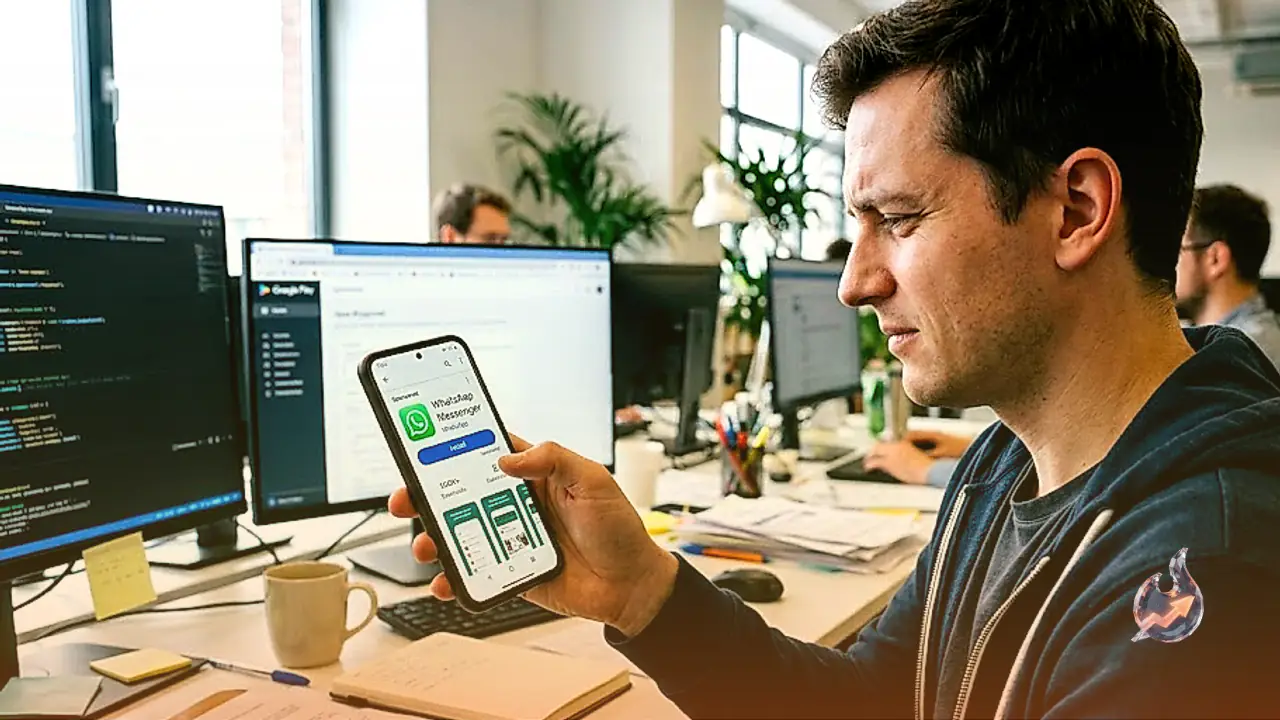

A critical security lapse has surfaced on the Google Play Store, where a counterfeit application masquerading as the world's most popular messaging platform operated in plain sight. Operating under the name WhatsApp Messenger, the rogue clone accumulated more than 500,000 downloads before raising widespread alarm. The most alarming aspect of the incident was that the fraudulent software appeared at the very top of search results as a sponsored listing, sitting above the authentic application and misleading everyday mobile users into installing it by mistake.
How Paid Search Placed a Counterfeit App at the Top
The incident demonstrates how bad actors exploit digital ad mechanisms within app marketplaces. By purchasing a sponsored slot, the creators managed to push their deceptive software directly into the primary view of anyone searching for the messaging tool. Because users typically trust the first result shown on their screen, hundreds of thousands downloaded the tool under the impression that it was legitimate. The application remained live and downloadable on the marketplace as of October 16, while search engine representatives did not immediately issue a public response regarding the oversight.
Meticulous Cloning to Deceive Unsuspecting Users
The fraudulent package was uploaded under an unknown developer account named Agment Assets sallu. Records indicated that this specific publisher profile hosted no other software on the entire marketplace. To pull off the deception, the developers mimicked the authentic service almost detail for detail, employing the familiar green icon, replicating interface screenshots, and copying product descriptions. Consequently, casual smartphone owners glancing quickly at their screens could not easily distinguish between the imitation and the original.
By contrast, the legitimate WhatsApp Messenger application is published exclusively by WhatsApp LLC. The statistical disparity between the two products is massive. The official application boasts over 10 billion installations across the globe, holds an Editor's Choice distinction, and carries more than 246 million public user reviews. The rogue clone offered none of these established credentials, yet its prominent placement allowed it to bypass standard user scrutiny.
Exploiting Early Access to Conceal User Warnings
Technological analysis indicates that the spoofed package leveraged the app store's early access mechanism. This framework is intended for developers testing prerelease software, which restricts the public visibility of full reviews and ratings. By remaining in this category, the rogue software prevented prospective victims from reading warnings or negative feedback left by earlier downloaders. This lack of public transparency created a blind spot, allowing the install count to surge past half a million without generating immediate community backlash on the download page.
Essential Guidelines to Spot Imposter Applications
Safeguarding personal hardware against cloned software requires a few clear verification practices before hitting install
- Verify Developer Credentials: Always read the publisher line directly underneath the application title. For this messaging platform, only WhatsApp LLC represents the legitimate company, while any other developer label indicates a knockoff.
- Check Overall Install Volume: Premier communication utilities maintain billions of recorded setups and tens of millions of user ratings. A sudden listing with merely thousands of downloads masquerading as a global platform is an obvious red flag.
- Do Not Equate Sponsored Ads with Legitimacy: A sponsored badge on a search outcome merely proves that somebody paid for premium visibility. It does not certify security, authenticity, or platform endorsement.
Remediation Steps for Compromised Devices
Anyone who inadvertently downloaded the suspicious application must delete it from their smartphone immediately. Following uninstallation, users should inspect system settings to determine what device permissions, such as contacts, storage, or microphone access, were granted to the tool. Furthermore, if verification codes, phone numbers, or account credentials were typed into the deceptive interface, immediate account recovery steps must be executed. One must never share two-factor authentication or registration codes with third parties, as being listed inside an official store does not automatically guarantee safety.