























A hacker or a stalker rarely announces themselves the moment they get into your phone, laptop or online account. Instead, they tend to lurk quietly, reading your messages, harvesting your data or waiting for the right moment to empty a bank account. That is exactly why the earliest warning signs of a compromised device or account are often small and easy to brush off, similar to the subtle red flags of identity theft. Left unchecked, though, these tiny clues can snowball into a major security or financial mess, so it pays to notice them early and act fast.
An unexpected password reset or two-factor code
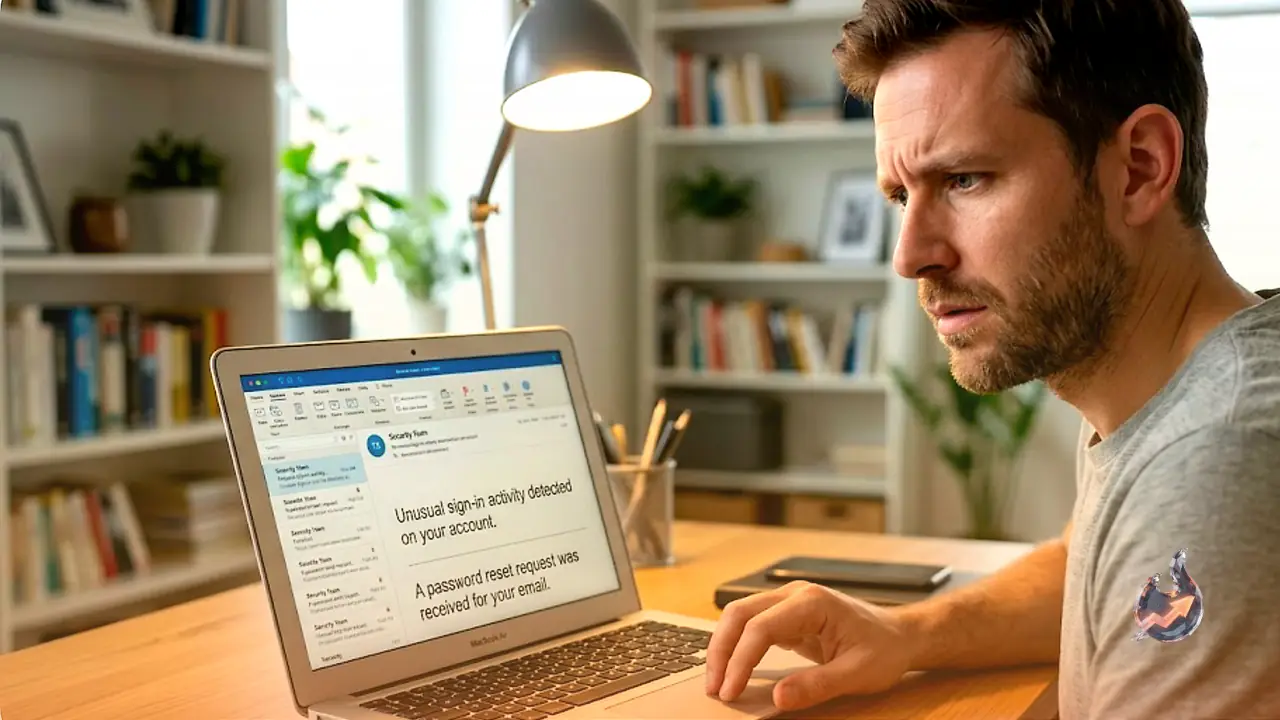
If a password reset link, or a two-factor authentication (2FA) code by text or email, lands in your inbox without you having asked for it, someone is very likely trying to break into your account. When the alert is specifically a 2FA prompt, there is a good chance the attacker already has your username and password. Criminals get around 2FA using tricks such as prompt bombing, where dozens of login notifications are fired at your phone in quick succession hoping you will approve one out of frustration, along with phone number spoofing. Text and email based 2FA codes can also be phished fairly easily, so if this happens to you, change your password immediately and, where possible, move to a stronger form of multi factor authentication such as a fingerprint, face scan or a physical security key.
A login alert you did not trigger
In the same vein, a notification telling you that someone just logged in, at a time you were not anywhere near that account, is a serious red flag. Change the password straight away and double check that your account recovery details, like backup email and phone number, have not been altered. Many platforms let you view every active session and the device or location it is logged in from; if you spot an unfamiliar device or an unusual location, log out of every session and reset your credentials immediately. One caveat: if you regularly use a VPN, a perfectly normal login from you can sometimes look suspicious because of the changed location.
Your device suddenly behaves differently
When a phone or computer starts acting out of character, it is worth digging into why. Some of the clearest warning signs include:
- The battery drains rapidly or the device overheats even when you are not using it.
- The screen lights up or stays awake with no obvious reason.
- The camera or microphone indicator light switches on when you have not opened either.
- Basic processes, like shutting the device down, take noticeably longer than usual.
- Apps open or crash on their own, or pop-ups appear out of nowhere.
- You get permission requests that seem unusual for the app in question.
- Your mobile data usage suddenly spikes.
Malware can absolutely cause all of these symptoms, though ordinary hardware wear or a buggy piece of software could be to blame too. Start by checking for pending system and app updates, since these often quietly patch the exact bug causing the behavior. If updating does not help, it is time to run a proper malware scan.
An app you do not remember installing
Finding an app on your phone or computer that you have no memory of downloading should immediately raise suspicion. It could be spyware or another form of malware designed to steal your information or track everything you do. These programs are often built to hide from the home screen entirely or disguise themselves as something harmless looking, which is why it helps to periodically go through everything installed on your device and review each app's permissions and settings.
A sudden surge in spam calls or phishing emails
Everyone gets a baseline amount of spam calls, texts and phishing emails, but a sharp, sudden increase can mean scammers have started targeting you specifically. That surge is often a sign of a data breach or some other account compromise, since criminals use stolen or leaked personal details to make their scam messages sound far more convincing. Watch for data breach notification emails, use the dark web monitoring feature built into many password managers, or check a site like Have I Been Pwned to see whether your information has turned up in a known leak.
Tiny test charges on your card
Once criminals get hold of your debit or credit card details, they will often run a small test charge, sometimes for just a few cents, to confirm the card still works before attempting bigger purchases or full-blown identity theft. Do not wave off transactions you don't recognize just because the amount is small. Go through your statements regularly and carefully, because these tiny test charges frequently never even show up as a full posted transaction, making them very easy to miss.
Emails or messages already marked as read
If you open your email or a messaging app and find a message sitting there already marked as read, one you are certain you never opened, it could mean someone accessed your account and read it first on a different device. Other telltale signs of a compromised email or messaging account include contacts telling you that they received odd content from you, things like phishing links, requests for money or outright spam, or finding emails in your sent or scheduled folders that you never wrote. If any of this happens, change your password without delay.
Being locked out of your own account
Suddenly finding yourself unable to log into an account can mean hackers have already taken it over, or that they tried repeatedly and failed, triggering a lockout. The same logic applies if a social media account gets banned unexpectedly. Both scenarios can trace back to a data breach or a phishing attempt that succeeded. Either way, report the issue to the platform in question straight away and start the account recovery process.
Odd recommendations in your streaming history
If Netflix, Spotify or YouTube suddenly start recommending content that is nothing like what you normally watch or listen to, or you spot titles in your history that you are certain you never streamed, someone else may well be using your account. It might not sound like a major problem on its own, but it can point to, or lead directly to, a much bigger data compromise. Change your password as soon as you notice this and, if the platform allows it, sign out of every device linked to the account.