






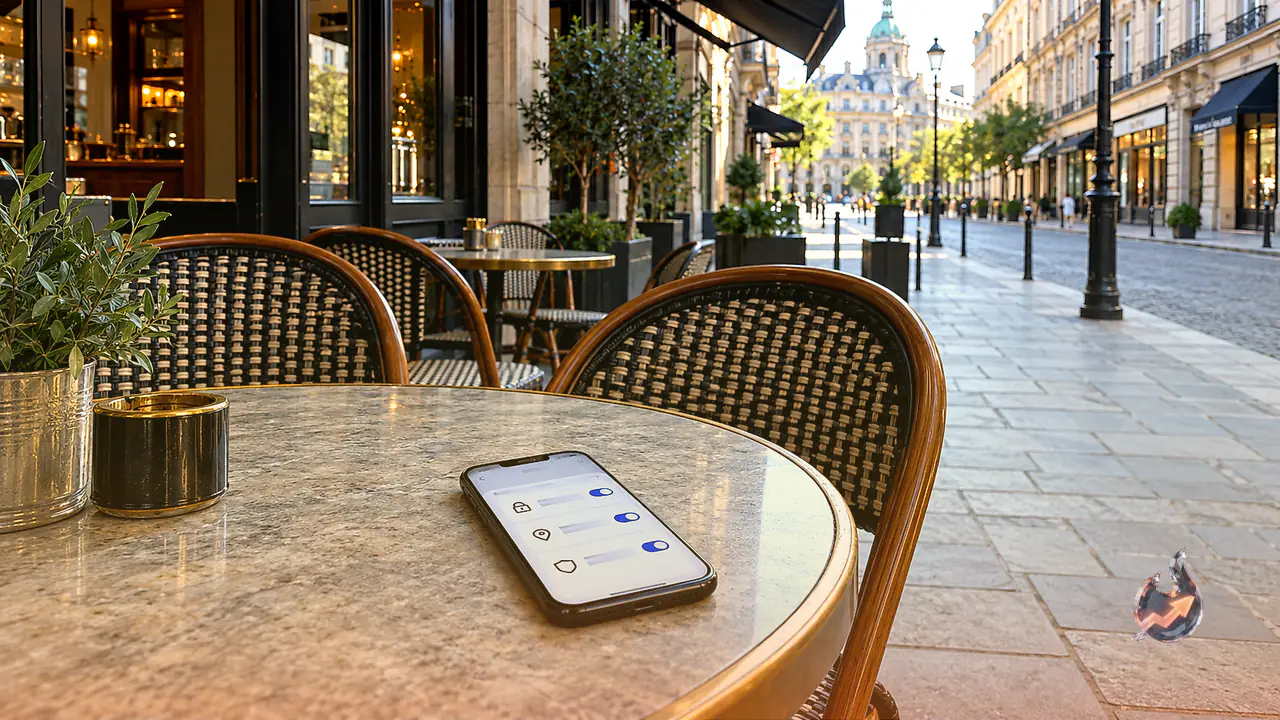
















Smartphone theft in public transport, crowded markets, and busy pedestrian walkways has become an everyday occurrence. The moment an opportunist snatch-and-grab thief pulls a device from an unsuspecting victim's pocket, bag, or café table, their immediate instinct is to press the power button and shut the handset down. Criminals understand that as long as the device remains powered on and registered on a cellular or wireless network, real-time location tracking remains active. By powering down the handset, thieves effectively blind the owner and law enforcement, making recovery exceptionally difficult.
When a handset lacks foundational digital security, thieves can easily wipe the device, swap internal components, or exploit stored data. Conversely, configuring a few proactive defense mechanisms creates enormous hurdles for any thief. By enabling specific operating system safeguards, shutting down the phone without authorization becomes impossible, and the hardware quickly turns into an unusable digital brick. Many criminals, realizing the handset cannot be powered down or reused, abandon the device altogether. Implementing these three practical settings takes less than ten minutes but drastically improves device resilience.
Activate and Verify Find My Device
The foremost line of digital defense on any modern Android handset is the Find My Device service, linked directly to the primary Google account active on the phone. Users can verify and toggle this feature by navigating to Settings, scrolling down to the Google or Security section, and selecting Find My Device. Ensuring this toggle is switched on allows the owner to locate, secure, and manage their device remotely from any internet-connected computer, tablet, or secondary smartphone.
Through the web interface, the owner can view the precise geographical coordinates of the missing phone on a map. The platform provides a remote lock utility, enabling users to freeze the screen behind an entirely new security password and display an emergency contact number on the display. If the handset is misplaced nearby, users can trigger a high-volume alarm that sounds continuously, even if the device was muted or placed on vibrate. If recovering the phone appears impossible, the service enables a complete remote wipe, permanently erasing personal data to protect privacy. When a thief realizes that the phone remains persistently locked and actively broadcasted, fear of apprehension often compels them to discard the device.
Configure Strong Screen Locks With Power-Off Verification
Many users compromise on basic security by using simple swipe gestures or predictable screen patterns for quick access. This is a severe security vulnerability. A device should always be safeguarded with a robust six-digit PIN or a complex alphanumeric passphrase. A crucial feature built into contemporary Android platforms is the requirement of security authentication before the device can be powered off or restarted while locked.
With this protection in place, pressing and holding the power button prompts the device to ask for the screen unlock PIN before processing a shutdown command. A thief holding a locked phone cannot switch it off on the spot. Because the phone remains active and awake, it stays connected to cellular towers and Wi-Fi networks, allowing background location services and tracking signals to continue broadcasting. While biometric conveniences such as fingerprint sensors and facial recognition facilitate rapid day-to-day access, maintaining a secure, unpredictable six-digit PIN as the primary fallback remains essential.
Implement a Carrier SIM Card PIN Lock
When experienced phone thieves realize they cannot power off a locked handset through the software menu, their typical second move is to eject the physical SIM card to cut cellular data connections and prevent incoming recovery calls. Activating a SIM card PIN lock entirely neutralizes this tactic. This setting can be found by opening the phone settings menu, entering the Security or Additional Settings panel, and locating the SIM card lock configuration.
Once a SIM PIN is established, every single device reboot or insertion of the SIM card into another smartphone requires entering the secret numeric code. Without this code, the SIM card refuses to register on telecommunications networks, barring cellular calls, internet browsing, and SMS reception. This directly stops criminals from intercepting one-time passwords for banking apps. Furthermore, an intact, non-working device has virtually zero resale value on illicit markets. Disheartened thieves frequently discard hardware they cannot monetize or dismantle, paving the way for recovery by good Samaritans or police officers.
Immediate Protocol Following Device Loss
If your device is snatched or goes missing, reacting swiftly is paramount. Borrow a nearby phone or access a secure web browser to log into the Find My Device portal using your Google credentials. Send an immediate remote lock command, record the displayed location data, and preserve screenshots for investigative purposes. Proceed directly to the nearest police precinct to register an official report and log your IMEI details.
While no single configuration can offer an infallible shield against theft, using these three settings in tandem creates a formidable barrier. The handset stays visible, unauthorized power down is blocked, and carrier services remain secure from exploitation. Taking five to ten minutes today to configure these built-in safeguards guarantees that both your valuable physical hardware and sensitive personal data remain well protected against opportunist crime.